Site Header Upgrade
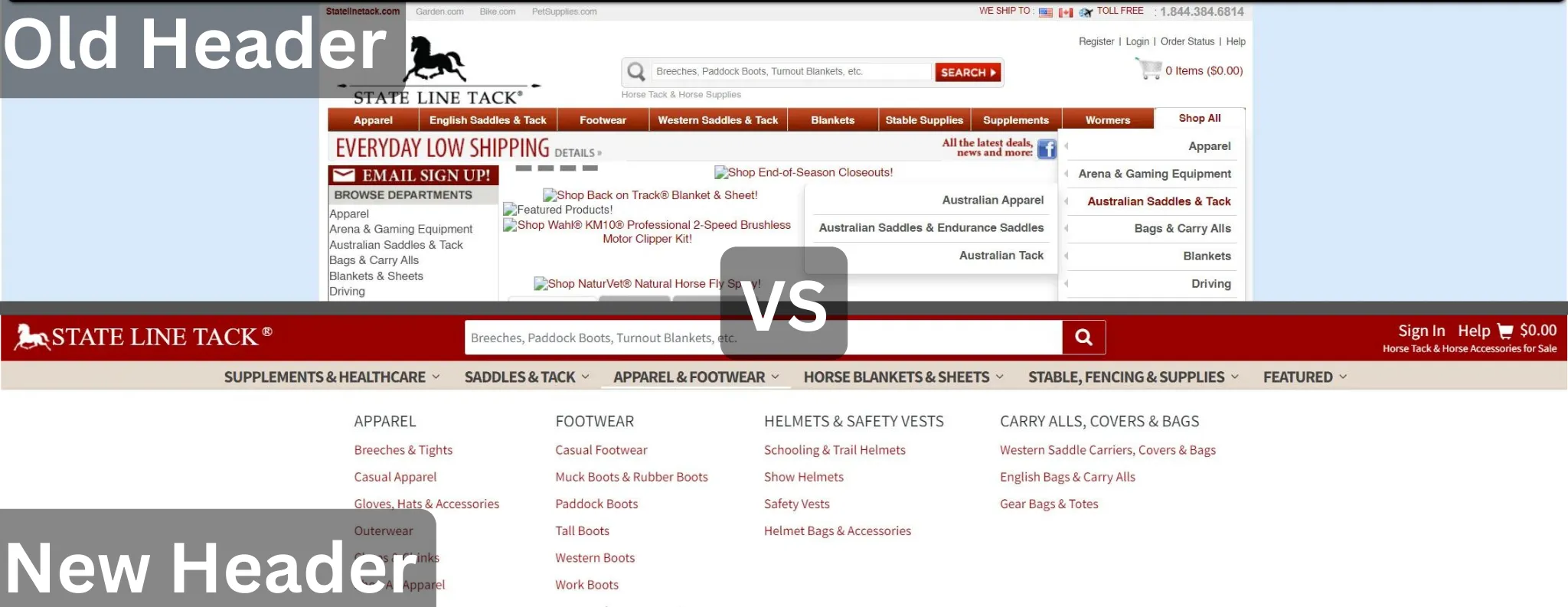
Problems
- Dated UI appearance
- Bloated CSS loading on every page
- Old Javascript relying on an out dated library of jQuery UI
- Navigation is hard to update for business
- Navigation UI is confusing to use for users
- Old HTML markup which does not use a grid system or flexbox
- Non responsive CSS / HTML requires developers to maintain 2 code bases
The Conversion
We were able to successfully upgrade the header and it is currently undergoing A/B split tested. Even if the split test doesn't result in a huge win I am going to push to have it implemented as long as it is not a huge loss. The upgrade to how the header is built allows for faster dev time, more custom navigation options, removes several security vulnerabilities, removes loads of CSS / JS and lowers the dom size by using less HTML overall. All of these upgrades will result in a higher Google Core Web Vitals score which translates to faster page loads and higher conversion rates.
What We Did:
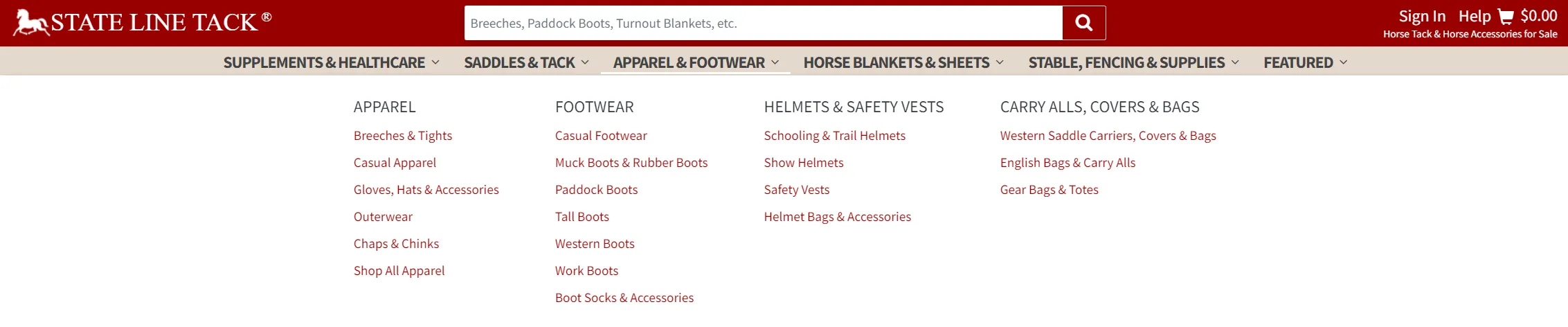
- Rebuilt the header from scratch using Bootstrap's grid system and flexbox
- Built the navigation as a new 'mega nav' to better align with current UI trends
- Created a json object of the nav instead of relying on database taxonomy
- Created a user friendly way to build json navigation that allows customization between sites
- Responsiveness - Entire header uses 1 HTML / CSS source which is responsive. Devs no longer have to manage 4 code spots when making small updates
- Replaced jQuery and jQuery UI plugins with new vanilla js custom built stream lined async web components
